


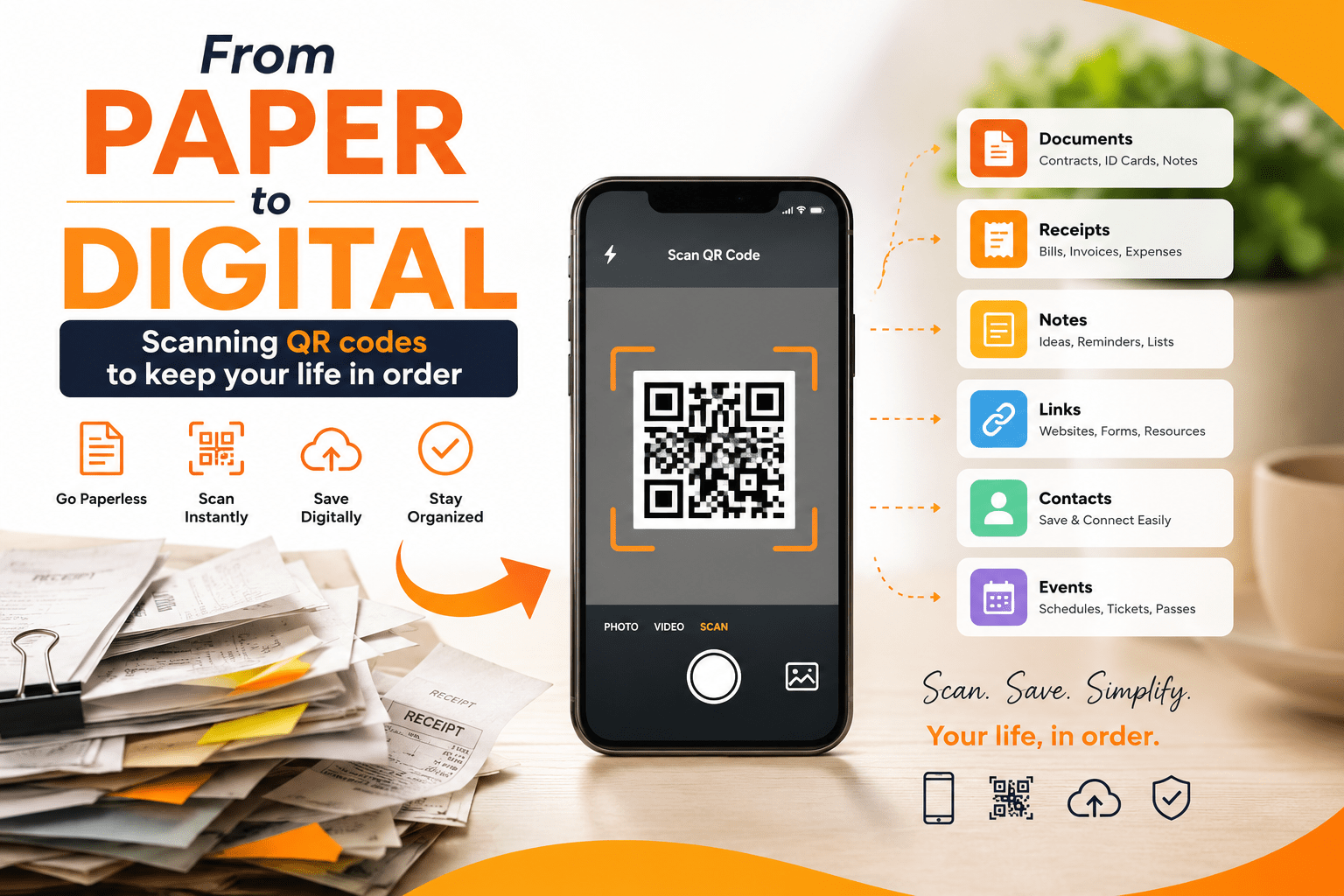
We live in an age where the line between the physical and digital worlds has never been blurrier. Your grocery receipt lives on your phone. Your boarding pass is a barcode on a screen. Your restaurant menu is accessed by pointing a camera at a small black-and-white square. That square — the QR code — has quietly become one of the most powerful organizational tools of the modern era.
What began in 1994 as a tracking mechanism for Japanese automotive parts has evolved into a universal bridge between paper and pixels. In 2026, QR codes are no longer novelty items reserved for tech-savvy marketers. They are essential infrastructure for personal productivity, business operations, and digital organization. Whether you’re managing a household, running a small business, or simply trying to declutter your wallet, understanding how to leverage QR code scanning effectively can transform chaos into clarity.
This comprehensive guide explores how QR codes work, why they matter for personal organization, the best tools available in 2026, security considerations, and practical strategies to integrate them into your daily life. By the end, you’ll have a clear roadmap for using QR codes to streamline everything from document management to contact sharing — all while keeping your data safe and your life in order.
What Is a QR Code and How Does It Work?
A QR code — short for “Quick Response” code — is a two-dimensional barcode that stores information in a matrix of black squares on a white background. Unlike traditional one-dimensional barcodes that can only hold a few dozen characters, a QR code can store thousands of characters, including URLs, text, contact information, WiFi credentials, and even entire vCards.
When you scan a QR code with your smartphone camera or a dedicated scanner app, the device reads the pattern, decodes the embedded information, and performs the appropriate action. Point your phone at a QR code on a restaurant table, and it opens the menu. Scan a code on a business card, and it saves the contact directly to your address book. Point it at a code on a product package, and it pulls up detailed specifications or warranty information.
The beauty of QR codes lies in their simplicity. They require no special hardware beyond a smartphone camera (which every modern device has), no app downloads in most cases (iOS and Android natively support QR scanning), and no typing of long URLs or complex data strings. In a world drowning in information, QR codes are the ultimate shortcut.
Why QR Codes Are Essential for Digital Organization in 2026
The global QR code market has exploded in recent years, and 2026 marks a tipping point where these codes have moved from marketing gimmicks to genuine productivity tools. Here’s why they matter for keeping your life in order:
The Paper Problem Hasn’t Disappeared
Despite decades of “paperless office” promises, most of us still deal with physical documents daily. Receipts, warranties, instruction manuals, business cards, medical records, and event tickets all accumulate into clutter. QR codes offer a middle path: keep the physical item for when you need it, but link it to a digital version that’s searchable, shareable, and impossible to lose.
Instant Access Without Friction
The average person spends over four hours daily on their smartphone. QR codes meet users where they already are. No typing, no searching, no app-switching — just point, scan, and go. This frictionless experience is why QR codes have become the default method for accessing digital menus, checking into flights, and verifying event tickets.
Cross-Platform Universality
Unlike proprietary technologies that lock you into specific ecosystems, QR codes work everywhere. An iPhone user can scan a code created by an Android user. A Windows laptop can generate a code that an iPad reads flawlessly. This universality makes QR codes the lingua franca of digital organization.
Cost-Effective and Accessible
Creating QR codes is free or extremely low-cost. Scanning them requires nothing more than a smartphone. For individuals and small businesses alike, this accessibility means powerful organizational tools are available without expensive software subscriptions or specialized equipment.
Practical Ways to Use QR Codes for Personal Organization
The real power of QR codes emerges when you apply them systematically to everyday organizational challenges. Here are proven strategies used by productivity enthusiasts and professionals in 2026.
1. Digital Document Management
Paper documents are the enemy of an organized life. Here’s how QR codes solve this:
Receipts and Expenses: Attach a QR code to each physical receipt that links to a digital copy stored in your cloud drive (Google Drive, Dropbox, OneDrive). When tax season arrives, every receipt is digitized, categorized, and searchable — no shoebox required.
Warranties and Manuals: Print a small QR code label and attach it to appliances, electronics, and tools. The code links to the digital manual, warranty registration, and customer support page. When something breaks, you have everything you need in seconds.
Medical Records: Create QR codes for each family member that link to encrypted health records, medication lists, and emergency contacts. In a medical emergency, healthcare providers can access critical information instantly.
2. Contact and Networking Management
Business cards are elegant but impractical. They get lost, damaged, or buried in drawers. A QR code on your business card (or as a digital alternative) lets recipients save your contact information with a single scan. Better yet, create a dynamic QR code that links to a digital vCard — when you change your phone number or job title, the code updates automatically without reprinting anything.
3. Home Inventory and Organization
Moving? Renovating? Simply trying to remember what’s in that storage box? QR codes are your organizational allies:
Storage Boxes: Label each box with a QR code linking to a detailed inventory list (photos, descriptions, quantities). When you need something, scan the code instead of opening ten boxes.
Pantry and Kitchen: Attach QR codes to bulk food containers linking to recipes, nutritional information, and reorder links. Never guess whether those are oats or quinoa again.
Tool Organization: Label tool drawers and pegboards with QR codes linking to maintenance schedules, replacement part numbers, and instructional videos.
4. Travel and Event Management
Modern travel is a paper chase — boarding passes, hotel confirmations, itinerary printouts, and rental car agreements. QR codes consolidate everything:
Travel Itineraries: Create a single QR code that links to a shared digital itinerary (Google Docs, Notion, or a travel app). Family members scan once and have the entire trip plan.
Event Tickets: Store digital tickets as QR codes in your wallet app. No printing, no forgetting, no fumbling at the gate.
Luggage Tags: Add a QR code to luggage that links to your contact information and travel details. If your bag is lost, anyone who finds it can reach you without exposing your personal information publicly.
5. Learning and Knowledge Management
Students, researchers, and lifelong learners can use QR codes to bridge physical and digital knowledge:
Books and Research: Place QR codes inside physical books linking to digital notes, related articles, or discussion forums.
Study Materials: Create QR codes for flashcard sets, practice exams, or video explanations. Stick them on physical study guides for instant access to supplementary content.
Workshop and Training: Attending a seminar? Scan a QR code to access slides, handouts, and follow-up resources without carrying paper.
QR Codes for Small Business and Professional Life
Beyond personal organization, QR codes have become indispensable business tools. If you run a small business or manage professional workflows, here’s how QR codes keep operations streamlined.
Customer Engagement and Marketing
QR codes bridge offline marketing with online action. A code on a flyer can link to a landing page, promotional video, or exclusive discount. A code on product packaging can direct customers to tutorials, reviews, or reorder pages. The key advantage is trackability — dynamic QR codes reveal how many people scanned, when, where, and on what device, providing invaluable marketing intelligence.
Inventory and Asset Management
Small businesses can use QR codes to track inventory without expensive barcode systems. Each product gets a QR code linking to stock levels, supplier information, and reorder triggers. For equipment and assets, QR codes link to maintenance logs, warranty details, and assignment records.
Payment Processing
In 2026, QR code payments are standard at markets, food trucks, and small retailers. Services like PayPal, Venmo, Square, and Apple Pay all support QR-based transactions. For business owners, displaying a payment QR code eliminates card reader fees and speeds up checkout.
Employee and Team Coordination
Share WiFi credentials via QR code instead of typing long passwords. Link to shared calendars, project management boards, or onboarding documents. Create QR codes for meeting rooms that link to booking systems and equipment instructions.
The Best QR Code Scanner and Generator Tools of 2026
Not all QR code tools are created equal. The market has matured significantly, and 2026 offers options ranging from free basic generators to enterprise-grade platforms with analytics and security features. Here’s a curated comparison of the top tools available.
Top QR Code Generators Compared
| Tool | Best For | Dynamic QR | Analytics | Custom Branding | Starting Price |
|---|---|---|---|---|---|
| Trueqrcode | All-round business use | ✅ | ✅ Real-time | ✅ Full | €4.99/mo |
| IMQRScan | Small businesses, local brands | ✅ | ✅ Real-time | ✅ Logo, colors, frames | Affordable |
| QR Tiger | Agencies, power users | ✅ | ✅ Detailed | ✅ Full | Mid-range |
| Uniqode (Beaconstac) | Enterprise, large teams | ✅ | ✅ Advanced dashboards | ✅ Full | Premium |
| Flowcode | Creators, privacy-focused users | ✅ | ✅ | ✅ Animations, gradients | Mid-range |
| QR Code Monkey | Free static codes | ❌ | ❌ | ✅ Colors, logos | Free |
| Canva | Designers, social media | Limited | ❌ | ✅ Full | Free/Premium |
Comparizon Table
Trueqrcode stands out as the best all-round option for business use in 2026, offering GDPR compliance, real-time scan analytics, support for GS1 and multi-link QR codes, and strong design customization — all starting at €4.99 per month with a 10-day free trial .
IMQRScan is the top choice for small businesses and local brands, providing editable dynamic QR codes, real-time tracking, branded designs, and campaign management without requiring technical skills — ideal for restaurants, salons, dentists, and real estate agents .
QR Code Monkey remains the best completely free option for static QR codes with unlimited scans and visual customization, though it lacks tracking and dynamic editing capabilities .
Best QR Code Scanner Apps
Most modern smartphones scan QR codes natively through the camera app. However, dedicated scanner apps offer additional features:
- Google Lens (Android/iOS) — Integrated with Google services, excellent for extracting text and translating
- QR Code Reader by Scan (iOS/Android) — Fast, lightweight, no ads
- Barcode Scanner by ZXing Team (Android) — Open-source, privacy-focused
- Microsoft Lens (iOS/Android) — Great for document scanning plus QR codes
- Snapchat — Surprisingly capable QR scanner with social sharing features
Static vs. Dynamic QR Codes: What You Need to Know
Understanding the difference between static and dynamic QR codes is essential for building an effective organization system.
Static QR Codes
What they are: The encoded data is fixed permanently. Once generated, the QR code always points to the same URL, text, or information.
Best for: One-time use cases where the destination never changes — event tickets, WiFi passwords, fixed contact information, or permanent product links.
Pros: Free to create, work forever (as long as the destination exists), no subscription needed.
Cons: Cannot be edited after printing. No scan analytics. If the linked URL changes, the code becomes useless.
Dynamic QR Codes
What they are: The QR code contains a short redirect URL that points to a destination you can change anytime through a dashboard.
Best for: Business cards, marketing campaigns, inventory systems, menus, and any situation where information updates regularly.
Pros: Editable destination after printing. Real-time scan analytics (location, device, time). Custom branding with logos and colors. Campaign management features.
Cons: Require a subscription or paid plan. Dependent on the generator service remaining operational.
The Verdict for Personal Organization
For most personal organization use cases, a hybrid approach works best: use static QR codes for permanent links (like WiFi passwords or fixed document repositories) and dynamic QR codes for anything that might change (like contact information, inventory lists, or active project folders). The small monthly investment in dynamic codes pays for itself in flexibility and insights .
Security Best Practices: Scanning Safely in a Connected World
QR codes are powerful, but their very convenience creates security risks. A malicious QR code can direct your phone to phishing sites, trigger unwanted downloads, or expose personal data. Here’s how to stay safe.
Before You Scan
Inspect the code physically. If a QR code sticker has been placed over another code, or looks tampered with, don’t scan it. This is common in parking meters, restaurant tables, and public spaces where scammers overlay malicious codes.
Verify the source. Only scan codes from trusted sources. A random QR code on a public bench or in an unsolicited email is a red flag.
Use a scanner with preview. Many scanner apps show you the URL before opening it. If the URL looks suspicious (misspelled domains, unusual TLDs, or IP addresses instead of domain names), don’t proceed.
After You Scan
Check the URL. Even legitimate-looking QR codes can redirect to fake sites. Look for HTTPS, correct spelling, and familiar domains.
Never enter credentials on scan-landing pages. No legitimate service will ask for passwords or payment information immediately after a QR scan.
Keep your phone updated. Security patches protect against vulnerabilities that malicious QR codes might exploit.
For QR Code Creators
Use HTTPS links. Always link to secure websites to protect users’ data in transit.
Consider password-protected dynamic codes. Some enterprise platforms allow you to password-protect QR codes, adding a layer of security for sensitive information.
Monitor scan analytics. Unusual scan patterns (spikes from unexpected locations) can indicate your code has been copied or misused.
Step-by-Step: Building Your Personal QR Code Organization System
Ready to transform your organizational habits? Here’s a practical implementation plan.
Phase 1: Audit Your Paper Clutter (Week 1)
- Gather all paper categories: receipts, warranties, manuals, business cards, medical records, recipes, notes, and mementos.
- Sort into three piles: Keep (must stay physical), Digitize (scan and link via QR), Discard (shred or recycle).
- Identify high-frequency items that would benefit most from QR linking — these are your priority targets.
Phase 2: Set Up Your Digital Infrastructure (Week 2)
- Choose a cloud storage solution: Google Drive, Dropbox, OneDrive, or iCloud. Create organized folders (Receipts/2026, Warranties/Electronics, etc.).
- Select a QR code generator: For personal use, start with a free tool like QR Code Monkey for static codes. If you need dynamic features, Trueqrcode or IMQRScan offer affordable plans .
- Create a naming convention: Consistent file names make searching easier. Example:
YYYY-MM-DD_Vendor_Amount_Description.pdf
Phase 3: Generate and Deploy QR Codes (Week 3)
- Start with one category. Receipts are usually the easiest — scan them, upload to cloud, generate a QR code linking to the folder, and print a small label.
- Test every code before attaching it to physical items. Verify it opens the correct destination on multiple devices.
- Print durable labels. Use waterproof, smudge-proof labels for items in kitchens, garages, or outdoor storage.
Phase 4: Maintain and Optimize (Ongoing)
- Schedule monthly reviews. Check that linked documents are still accessible and update any broken links.
- Expand gradually. Add new categories as you see success — don’t try to QR-code your entire life in one weekend.
- Back up your QR code dashboard. If using dynamic codes, export your codes and analytics periodically.
SEO and AdSense Best Practices for QR Code Content
If you’re publishing content about QR codes on your website (like this article), following Google’s guidelines ensures visibility and monetization eligibility.
Google’s Official Position on Content Quality
Google’s “Helpful Content” guidelines, updated in February 2026, emphasize quality over creation method. AI-assisted content is permitted, but it must be reviewed, enriched with human expertise, and genuinely helpful to users .
For AdSense approval specifically, your site needs:
- Original, helpful content — at least 15–20 published articles demonstrating genuine expertise
- Professional site design — clear navigation, mobile-friendly layout, readable typography
- Required pages — About page, Privacy Policy (GDPR compliant), Contact page
- Human oversight — someone must review content before publishing
- No scaled content abuse — don’t publish hundreds of thin, templated pages
Content Strategy for QR Code Topics
Build topical authority. Cover QR codes comprehensively — scanning, generation, security, business use cases, and tool comparisons. A site with 30 well-linked articles on QR technology outranks one with 200 shallow articles on random topics .
Use schema markup. Implement Article, FAQPage, HowTo, and BreadcrumbList schema to help Google understand your content structure and surface rich results.
Update regularly. QR code technology evolves rapidly. Refresh articles with new tools, updated pricing, and emerging use cases. Content freshness is a strong ranking signal.
Cite credible sources. Link to authoritative external references (tool documentation, security research, industry reports) to build trustworthiness signals.
Optimize for Core Web Vitals. Fast loading times, stable layouts, and interactive responsiveness correlate with better rankings and higher AdSense RPM.
The Future of QR Codes: What’s Next?
QR code technology continues to evolve. Here are the trends shaping 2026 and beyond.
Enhanced Security Features
Expect to see QR codes with built-in encryption, blockchain verification, and biometric authentication. These advancements will make QR codes viable for high-security applications like financial transactions, identity verification, and medical record access.
AI-Powered QR Code Generation
Artificial intelligence is beginning to optimize QR code design for maximum scannability while maintaining aesthetic appeal. AI can also generate contextual QR codes that adapt their destination based on the scanner’s location, time, or device.
Integration with Augmented Reality
AR-enabled QR codes are emerging that don’t just open websites but overlay digital information onto the physical world. Point your phone at a QR code on a historical landmark, and see an AR reconstruction of its past. Scan a code on a product, and see a 3D model floating above it.
Global Standardization
The GS1 Digital Link standard is replacing traditional barcodes with QR codes on retail products worldwide. By 2027, most consumer products will feature QR codes containing rich product data, supply chain information, and sustainability credentials.
Conclusion
The journey from paper to digital doesn’t have to be overwhelming. QR codes offer a simple, affordable, and universally accessible bridge between the physical items we handle daily and the digital systems that keep us organized. Whether you’re digitizing receipts, managing a home inventory, streamlining business operations, or simply trying to carry less paper in your wallet, QR codes provide a solution that works in 2026 and will only become more powerful in the years ahead.
The key is to start small, stay consistent, and prioritize security. Choose the right tools for your needs — static codes for permanent links, dynamic codes for evolving information — and always verify sources before scanning. With the strategies outlined in this guide, you can build a personal organization system that turns clutter into clarity and chaos into control.
The future is digital, but it doesn’t have to discard the physical world. QR codes prove that the best solutions often live at the intersection of both.
Ready to get organized? Explore Deshmaj Tools for more productivity guides, tech reviews, and digital lifestyle tips. Subscribe to our newsletter for weekly updates on the tools and strategies that keep modern life running smoothly.
References and External Links
- The Humanize AI — Google AdSense AI Content Policy 2026
- Inno Panda — Google AdSense Approval Requirements 2026
- Easton Dev — Google AdSense Application & Review: A Complete Checklist (2026)
- Athub Technology — Top 15 Dynamic QR Code Generators (2026)
- Trueqrcode — Best QR Code Generators of 2026 (Tested & Reviewed)
- QR Code Monkey — Free QR Code Generator
- Trueqrcode — Dynamic QR Code Generator
- IMQRScan — Dynamic QR Code Solutions
- Google Lens — Official Documentation
- GS1 — Digital Link Standard


Leave a Reply